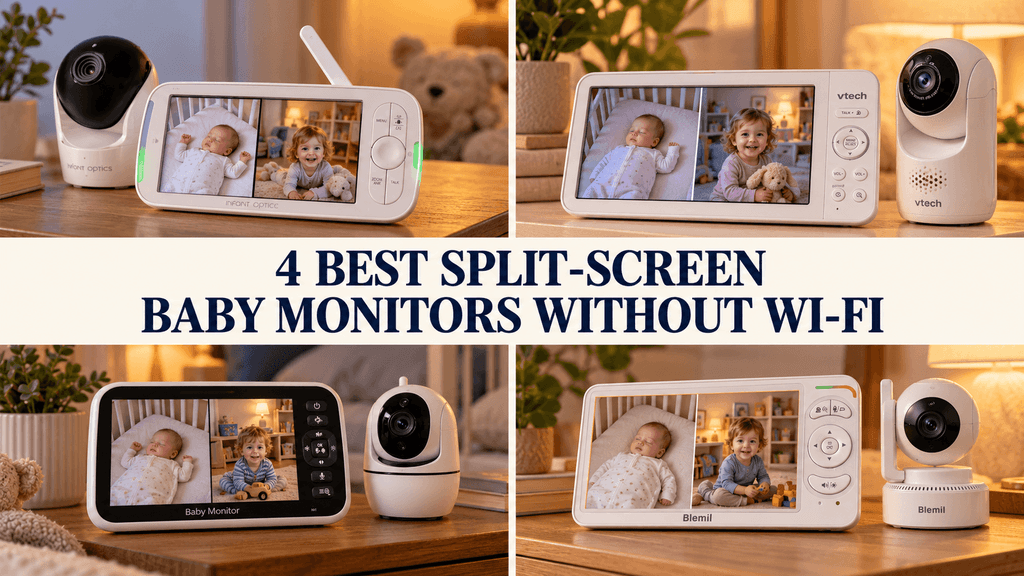
Watching a baby and a toddler in separate rooms shouldn’t necessarily mean juggling two monitors or constantly switching camera views. A split-screen baby monitor without Wi-Fi puts both pictures on one dedicated screen, without making your phone part of the setup.
The important difference is what you hear while both rooms are visible. Some monitors play both audio feeds together. Others alternate between cameras or let you listen to one room while receiving an alert from the other.
Our recommendations explain those differences so you can choose a setup that suits your household, especially overnight.
Disclosure: As an Amazon Associate, I earn from qualifying purchases. This article contains affiliate links. If you buy through them, I may earn a commission at no additional cost to you.
Best Split-Screen Baby Monitors Without Wi-Fi: The Shortlist
- Infant Optics DXR-8 PRO SS — Best for hearing both rooms simultaneously
- VTech Advanced HQ Max Twin — Best for a larger screen and adjustable nighttime controls
- GoodBaby SM663V2 — Best for automatic audio rotation
- Blemil BL9064-2 — Best for selected-room listening with second-room sound alerts
How We Chose These Monitors
We compared exact merchant listings, manufacturer information, and available manuals, prioritizing features that affect using two cameras together. Each selected system includes two cameras and offers simultaneous split-screen viewing without requiring home Wi-Fi.
We looked beyond camera count to consider audio selection, display size, camera controls, power-saving modes, and nighttime settings. A two-camera system earns its place here by offering a useful way to manage two views not simply by including another camera in the box.
These are research-based recommendations, not hands-on test results. Our opinions explain which designs we favor for particular needs. Published battery and range figures are manufacturer or seller claims, rather than performance we measured in a home.
Before You Buy: Split Screen Does Not Mean Dual Audio
Split screen means both camera pictures appear together. Simultaneous dual audio means sound from both cameras plays together. Those are separate capabilities.
With selected-camera audio, you hear one room while both pictures remain visible. Audio scanning alternates listening between cameras. A second-camera sound alert notifies you about detected sound in the other room without necessarily playing its live audio.
Also, “two-way talk” means you can speak through the camera. It does not mean you can hear two rooms at once.
Deciding which listening arrangement you prefer will narrow the choice more effectively than comparing screen sizes alone.
1. Infant Optics DXR-8 PRO SS: Best for Hearing Both Rooms Simultaneously
Key Specs
- Parent screen: 5-inch HD display
- Cameras included: Two
- Connection: Local FHSS connection; no Wi-Fi required
- Split-screen audio: Simultaneous audio from both cameras
- Remote camera control: Pan, tilt, and digital zoom
- Parent-unit power: Rechargeable, user-replaceable battery
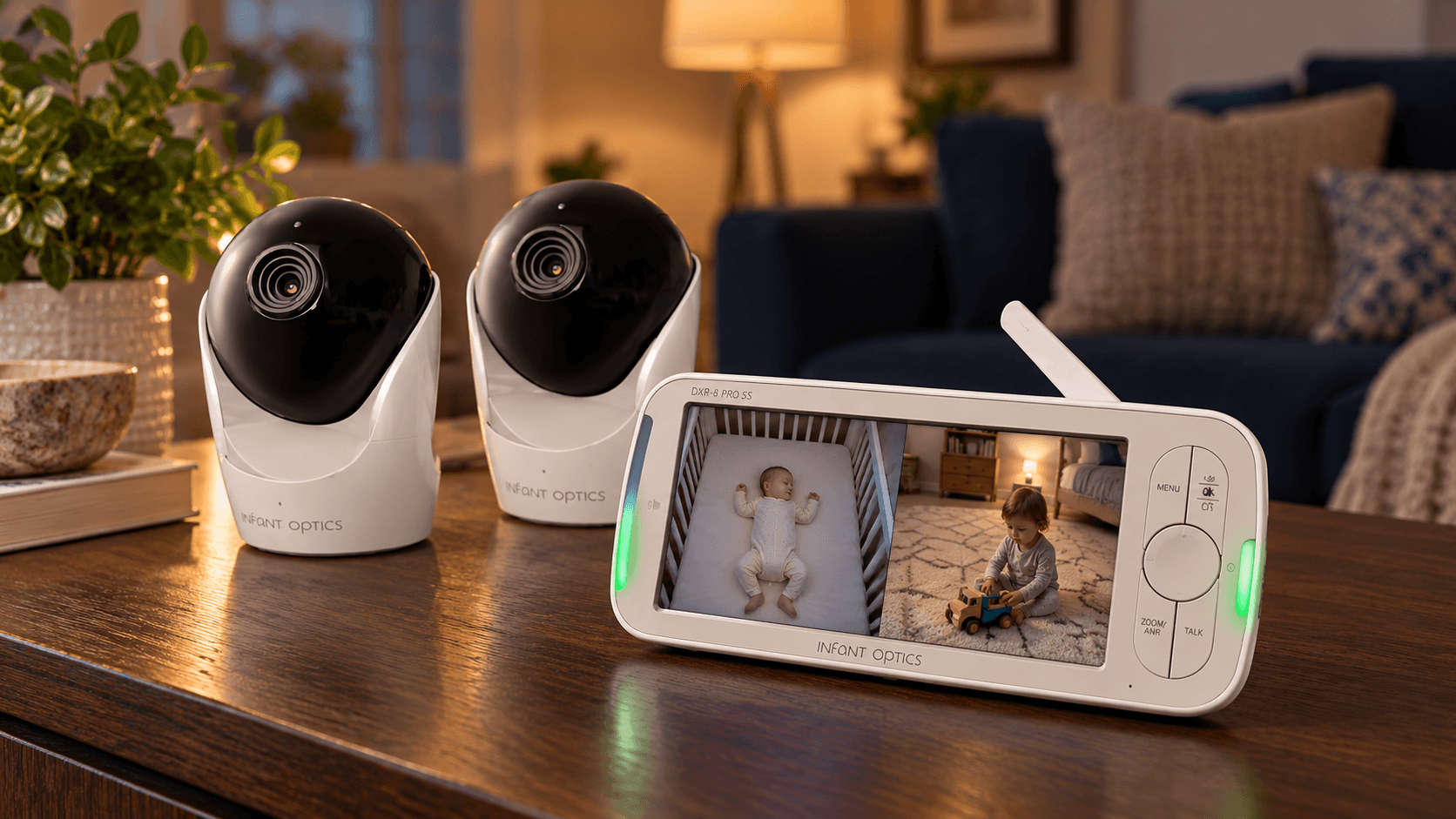
This is our first choice to compare when hearing both rooms continuously is the main reason you want a two-camera monitor. Its simultaneous dual audio directly addresses the limitation that can otherwise make split-screen buying confusing.
For a baby and toddler in separate bedrooms, that means you do not have to choose which room supplies the live audio or wait for an automatic rotation to return to the other camera. Infant Optics documents both audio feeds playing together while offering split-screen and single-camera viewing.
We think that makes the PRO SS particularly compelling for parents who want listening to remain the main part of monitoring, with pictures available when needed.
Additionally, its active noise reduction is another feature worth considering when steady background sound makes a monitor tiring to listen to. However, the practical benefit will depend on the sounds in your rooms and the settings you use.
Its five-inch display is the compromise. When two pictures share that space, each view is smaller than it would be on the seven-inch VTech below.
We would favor the Infant Optics for its audio arrangement rather than choosing it primarily for a large bedside picture. The manufacturer also lists remote camera movement and a replaceable parent-unit battery.
Pros
- Plays live audio from both rooms simultaneously.
- Includes two cameras.
- Offers split-screen and single-camera views.
- User-replaceable parent-unit battery.
Cons
- Five-inch screen provides smaller individual views than larger displays.
- Hearing both rooms can also mean hearing more background activity.
- Less extensive exact-model owner evidence than the established standard PRO.
Choose this first when continuous listening to both rooms matters more than having the largest screen.
Check the Infant Optics DXR-8 PRO SS on Amazon
2. VTech Advanced HQ Max Twin: Best for a Larger Screen and Adjustable Nighttime Controls
Key Specs
- Parent screen: 7-inch IPS display
- Cameras included: Two
- Connection: Local wireless connection; no Wi-Fi required
- Split-screen audio: Simultaneous dual audio not confirmed in the documentation reviewed
- Remote camera control: Pan, tilt, and zoom
- Parent-unit power: Rechargeable 5,000mAh battery
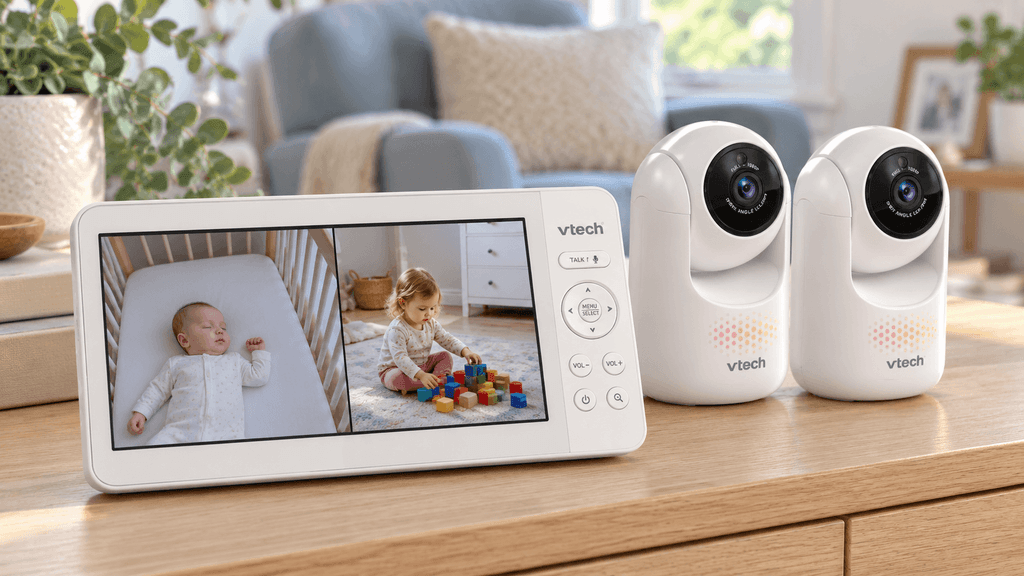
We favor the VTech for parents who expect the monitor to spend much of its time on a bedside table or kitchen counter, where a larger picture is useful. Seven inches gives two camera views more display space than a five-inch screen.
That matters when you want to glance at two rooms without immediately expanding one picture. A larger display does not automatically mean sharper video, but it can make the split layout easier to inspect. We would compare this model first if smaller monitor screens already frustrate you.
Its nighttime settings provide another reason to consider it.
VTech’s guide documents adjustable display brightness, screen-off timing, sound-triggered screen activation, and adjustable alert-tone volume. These controls let you tailor how the parent unit behaves beside your bed rather than accepting one fixed combination of light and sound.
Their guide also distinguishes single-camera, split-screen, and patrol viewing, with patrol switching views every ten seconds. Patrol is useful when you prefer one larger picture at a time, but it should not be confused with keeping both pictures visible.
We would recommend this for its larger display and documented controls, rather than presenting it as equivalent to the Infant Optics dual-audio arrangement.
Pros
- Largest screen in this comparison.
- Adjustable brightness and alert-tone volume.
- Screen-off timer and sound-triggered display settings.
- Two cameras included.
Cons
- Larger parent unit is less compact to carry.
- More screen area does not establish better image quality.
- Does not offers simultaneous audio from both cameras.
A strong option when seeing both rooms comfortably and configuring the bedside controls are your priorities.
Check the VTech Advanced HQ Max Twin on Amazon
3. GoodBaby SM663V2: Best for Automatic Audio Rotation
Key Specs
- Parent screen: 5-inch LCD
- Cameras included: Two
- Connection: Local wireless connection; no Wi-Fi required
- Split-screen audio: Selected-camera audio; automatic audio scanning every 15 seconds
- Remote camera control: Pan, tilt, and zoom
- Parent-unit power: Rechargeable 3,500mAh battery
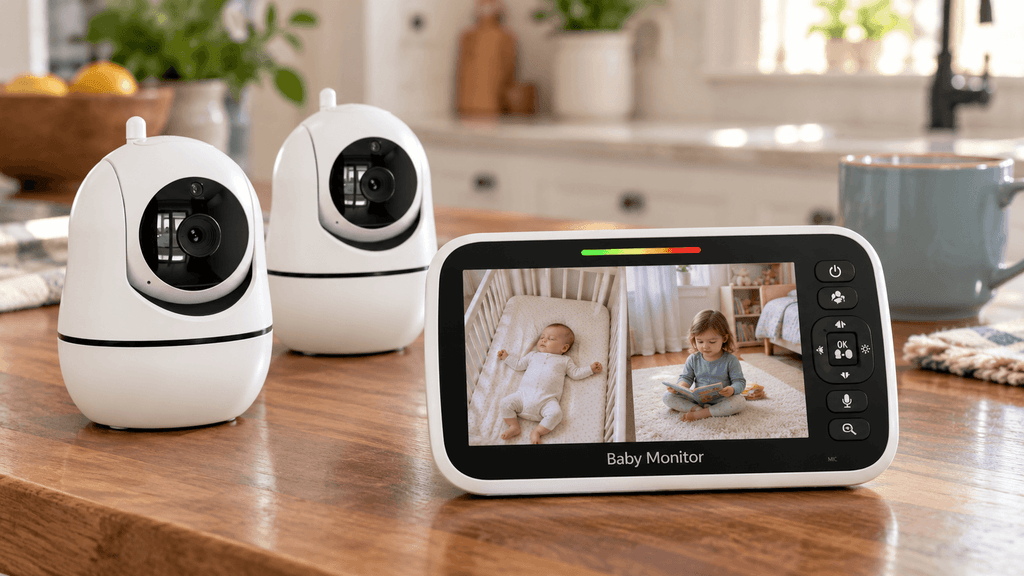
The popular GoodBaby is worth considering if you want both rooms visible and prefer the monitor to alternate listening automatically. Its listing explicitly describes selected-camera audio and a scan mode that rotates the audio feed every 15 seconds.
We like having that choice. You can focus listening on one room or use rotation when you want to hear each in turn without repeatedly pressing buttons. For daytime monitoring while moving around the house, the smaller five-inch parent unit may also be more appealing than a larger bedside display.
The limitation is inherent in the design: alternating audio is not continuous listening to both rooms. During each interval, the other room’s live sound is not playing. We would choose the Infant Optics instead if avoiding that rotation is a firm requirement.
The battery claim also needs context. The listing advertises up to 30 hours in VOX mode, compared with up to ten hours with the screen on. The longer figure should not be read as 30 hours of continuous split-screen viewing.
We see this as a practical alternative for parents who understand and prefer its listening arrangement. Its appeal is the combination of two visible rooms, selectable audio, automatic rotation, and a smaller parent screen not a claim that it outperforms every larger system.
Pros
- Explicitly documented automatic audio rotation.
- Can focus audio on one selected camera.
- Two cameras included.
- Listing distinguishes VOX battery life from screen-on use.
Cons
- Audio rotation leaves intervals without live sound from the other room.
- Five-inch split view gives each camera limited display space.
- Advertised battery performance depends on operating mode.
Consider it when automatic alternating listening suits your routine and a smaller parent unit is appealing.
Check the GoodBaby SM663V2 on Amazon
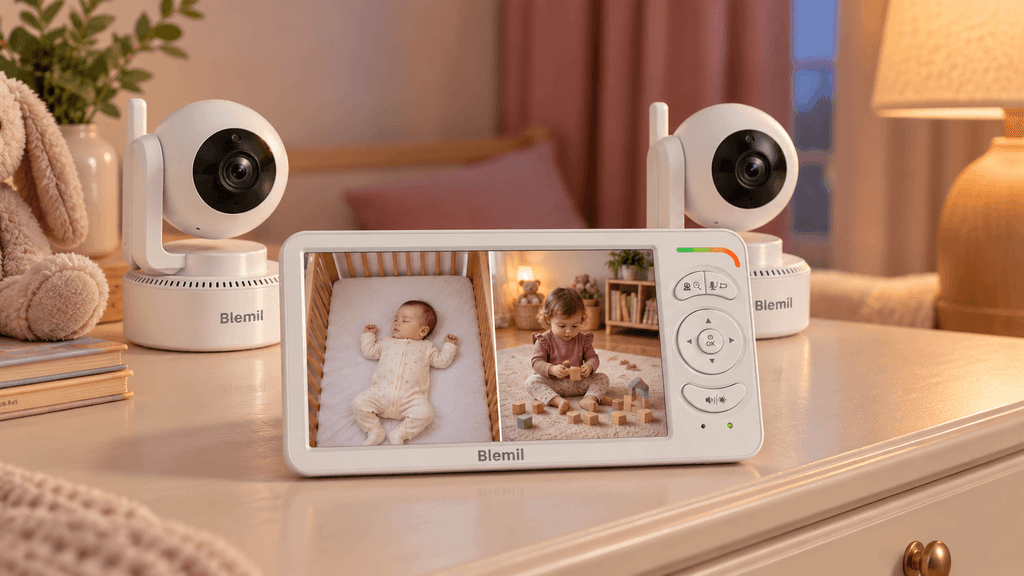
4. Blemil BL9064-2: Best for Selected-Room Listening With Second-Room Sound Alerts
Key Specs
- Parent screen: 6-inch IPS display
- Cameras included: Two
- Connection: Local wireless connection; no Wi-Fi required
- Split-screen audio: One camera’s audio, with an alert for sound from the other
- Remote camera control: Pan, tilt, and zoom
- Parent-unit power: Rechargeable 4,000mAh battery
The Blemil is a useful option when you prefer listening mainly to one room while keeping the other visible and receiving sound alerts from it. Its listing describes that arrangement directly.
For example, parents with a baby and an older toddler may want the baby’s room as the main audio feed while still checking the toddler’s picture. We think that is a reasonable reason to choose this design rather than automatically treating simultaneous dual audio as essential for every household.
Its six-inch display also offers a middle ground. It provides more display area than the five-inch models without moving to VTech’s seven-inch parent unit. That is worth considering if you want a more generous split view while retaining a moderately sized screen.
The alert feature is important, however. An alert from the second room is not the same experience as hearing its live audio.
Blemil’s approximately 30-hour battery claim applies to ECO mode under ideal conditions. We would treat it as a power-saving estimate, not an expectation for continuous viewing.
Pros
- Six-inch screen offers a middle-sized split-view option.
- Second-camera sound alerts complement selected-room listening.
- Two cameras included.
- Remote camera movement from the parent unit.
Cons
- Does not provide simultaneous live audio from both rooms.
- Second-room alerts need to be checked carefully during setup.
- Headline battery claim refers to ideal ECO operation.
Worth comparing for a baby-and-toddler household that prefers one main audio feed with notification of sound from the other room.
Check the Blemil BL9064-2 on Amazon
What to Check Before Using a Two-Camera Monitor Overnight
Set up both cameras in their intended rooms, then test the parent unit where you will actually use it. A connection that works in the hallway may behave differently beside your bed or downstairs.
Check both audio paths. Make ordinary sounds in each room and observe what happens in split view, scan mode, and any screen-off setting you intend to use. Confirm which camera you hear and how the other camera signals detected sound.
Try your normal background noise. Run the fan or sound machine at its usual setting. Notice whether it keeps waking the display or makes the audio uncomfortable to listen to. Adjust sensitivity according to the model’s instructions.
Check brightness, indicator lights, and alerts. Assess these in a dark bedroom. Keep connection-loss and low-battery warnings effective rather than silencing them simply because they are inconvenient.
Plan for charging. Power-saving battery estimates are not continuous-video estimates. Follow the manufacturer’s charging instructions and judge your setup using the operating mode you actually need.
Where Should the Cameras Go?
Position each camera where it provides a useful view while keeping the equipment and cables out of reach. CPSC guidance says to keep monitor parts and cords at least three feet away from the child; cords should be at least three feet from every part of the crib, bassinet, or play yard. Follow any greater distance required by the manufacturer.
Test the view from that safe position before permanently mounting anything. A convenient close-up is not a reason to place a camera or cord within reach.
Can You View These Monitors From Outside the House?
These recommendations are for dedicated local camera-to-parent-unit monitoring. They do not offer the same away-from-home viewing arrangement as an internet-connected camera app.
That makes them suitable for parents who want a separate screen and no home-Wi-Fi setup. If checking the camera while away is essential, look for a system that explicitly supports remote access rather than assuming a no-Wi-Fi split-screen monitor will provide it.